
For years, the gold standard for UI/UX design involved hours of painstaking work in tools like Figma. But as of March 2026, Google has officially disrupted the status quo. The latest update to Google Stitch isn’t just an incremental improvement; it’s a fundamental shift in how we build digital products.
If you’re a developer or a designer, the “dark ages” of starting with a blank wireframe are over. Here’s everything you need to know about the new Google Stitch.
What is Google Stitch?
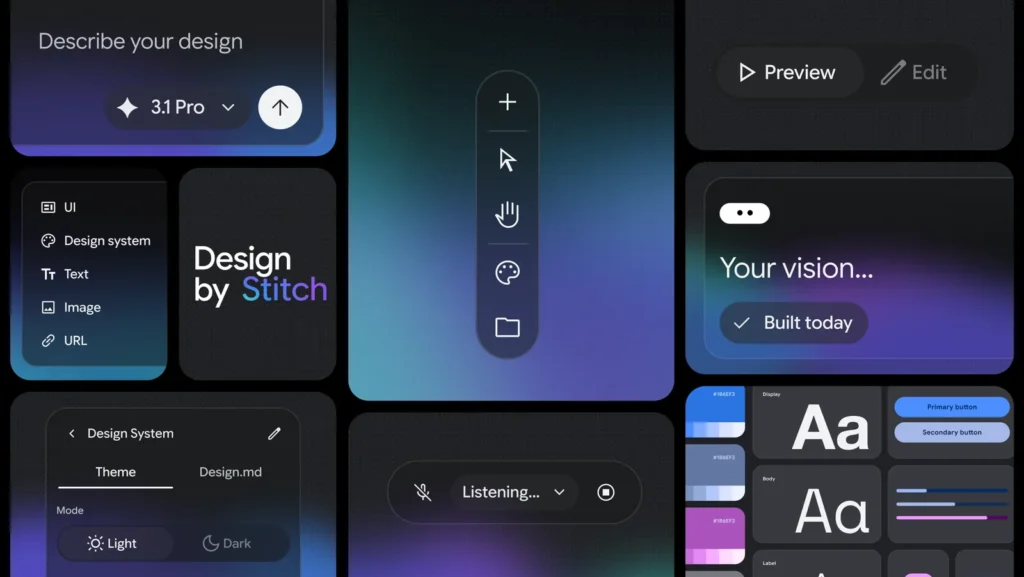
Google Stitch is an infinite canvas AI design tool that allows users to generate high-fidelity UI/UX designs—such as web pages and mobile app screens—using natural language prompts, URLs, or even voice commands.
Key New Features in the 2026 Update
1. Vibe-Based Prototyping
Instead of dragging boxes and choosing hex codes, you now start with a “vibe.” You can tell Stitch what your product should feel like and who it’s for. You can even provide a URL of an existing site, and Stitch will instantly reverse-engineer a Design System—including typography, spacing, and color palettes—that you can use for your own project.
2. Interactive “Slop” Renderer
Stitch has moved beyond static images. The new upgraded slop renderer creates interactive components. Every element generated is a modifiable component that can be tweaked via AI or exported to traditional tools like Figma for manual refinement.
3. Design Markdown Files (.dm)
Perhaps the most significant workflow change is the introduction of a design markdown file. This humble file format allows you to:
-
Export your entire design system as a portable file.
-
Integrate designs directly into text editors.
-
Feed the design context into LLMs like Claude or OpenAI to ensure consistent code generation across multiple projects.
4. Multimodal AI Integration (Gemini)
The integration with Gemini allows for real-time collaborative designing. You can speak directly to the tool to add features—like a chat screen or a swipe stack—and it will generate them in seconds based on the established aesthetic of your project.
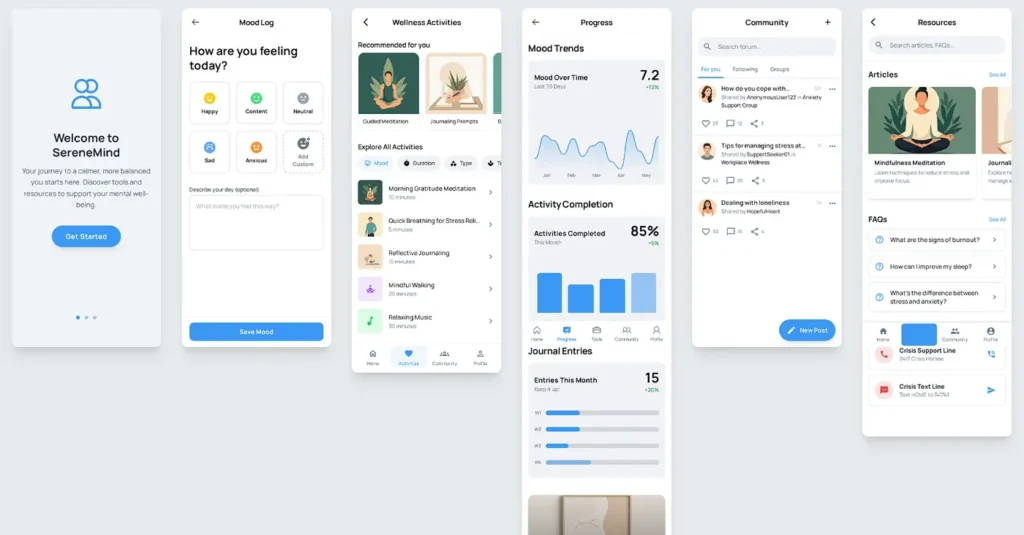
App UI Designed WIth A Single Prompt
Is This the End of Tailwind CSS?
The industry is seeing a massive shift. With Stitch, the need for memorizing utility classes (like flex, bg-blue-500, or gap-4) is diminishing. When you can simply prompt, “Build me a clean SaaS dashboard with modern typography,” the manual implementation phase of frontend development becomes a secondary task.
Why This Matters for Your Workflow
For agencies and independent developers, Google Stitch represents a massive leap in productivity. It allows “untalented” designers to produce studio-quality work and enables experienced designers to prototype user flows with a single click.
The Verdict: Google Stitch is no longer just hype. By bridging the gap between a creative “vibe” and a functional “design system,” it is setting a new standard for the future of UI/UX.